does taco bell take apple pay
Short answer: most U.S. locations accept contactless mobile wallets, but local practice can vary. Apple’s rollout in January 2019 covered more than 7,000 locations, and many restaurants accept tap-to-pay at the counter, in the drive-thru, and via the mobile app.
Using a phone or watch with Wallet set up is the usual requirement. At the register, tap an iPhone or Apple Watch on the contactless reader. The app checkout works like any in-app payment when your account is linked.
Why do reports differ? Older terminals, franchise operator choices, or a temporarily offline reader cause mixed experiences. If you forget a physical card, try the phone, ask the cashier, or use the app to avoid delays.
This guide covers U.S. acceptance, how it works at the counter, drive-thru and app, quick checks before ordering, and basic troubleshooting if a tap fails at checkout.
– Most U.S. locations accept contactless wallet options.
– Works at front counter, drive-thru, and in-app, though exceptions exist.
– Bring an iPhone or Apple Watch with Wallet set up and know quick verification steps.
Does Taco Bell Take Apple Pay in the United States?
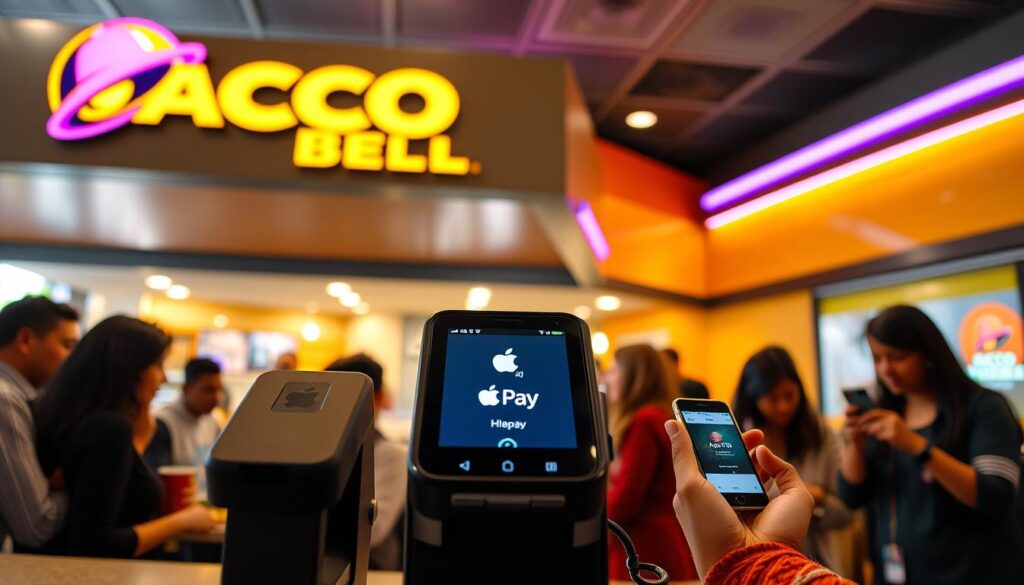
A nationwide rollout in 2019 brought contactless payment support to thousands of locations. Apple listed this chain among major merchants added after January 22, 2019, which led many restaurants to enable mobile wallet options.
Apple Pay availability at Taco Bell locations
Broadly, most U.S. restaurants in the chain support contactless checkout today. That said, real-world acceptance depends on whether the individual store has an active NFC/contactless terminal at the point of sale.
What “accepts Apple Pay” means at the register
Accepting mobile wallet payments requires a contactless-capable reader. At checkout, customers authenticate on an iPhone with Face ID, Touch ID, or passcode, or they double-click and use an Apple Watch near the reader to complete the transaction.
Why payment options can vary by location
Franchise ownership, terminal hardware, software settings, and timing of upgrades all affect whether contactless is enabled. Short-term issues—offline terminals, unresponsive readers, or staff selecting the wrong tender type—can make a location seem unable to accept wallets even when it normally does.
Treat mobile wallet use as likely accepted, but verify quickly if it’s your only payment plan. Acceptance can also change by ordering channel: in-store, drive-thru, or via the brand app.
| Factor | Effect on Acceptance | Typical Resolution |
|---|---|---|
| Contactless reader present | Required for mobile wallet checkout | Use in-store terminal or app if available |
| Franchise settings | May disable contactless even if cards work | Ask staff or try another lane |
| Temporary terminal issues | Reader offline or unresponsive | Retry, use app, or pay with card/cash |
does taco bell take apple pay at the drive-thru, inside, and in the app?
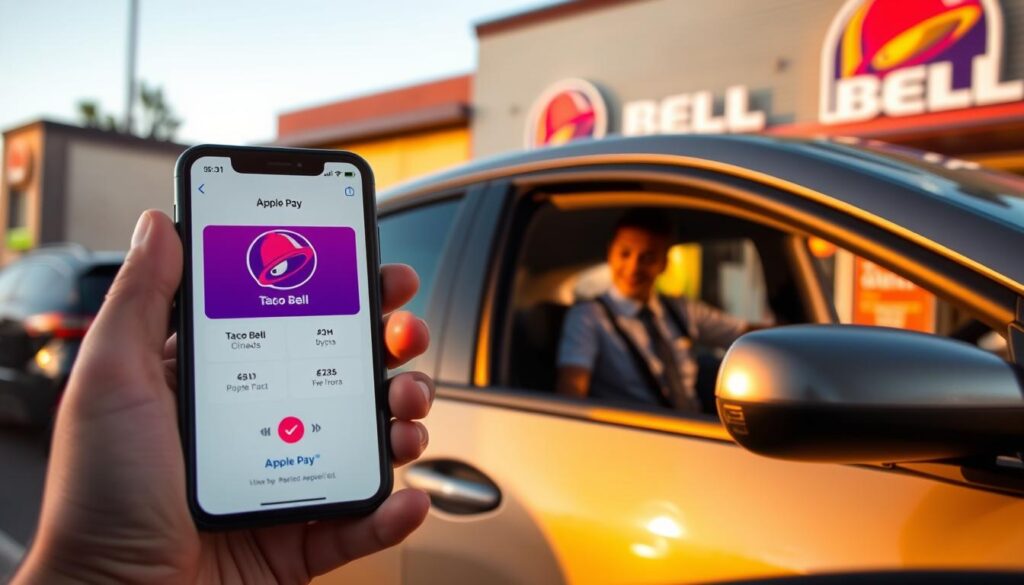
Contactless checkout works three ways at most locations: inside at the register, in the drive-thru, and through the mobile app.
Using a contactless reader inside the store
The cashier rings up your order and the terminal will show the contactless symbol. Hold your iPhone or Apple Watch close to the reader, authenticate if prompted, and wait for the green confirmation before you step away.
Keep the device awake and follow any on‑screen prompts. If the reader is slow, ask staff to retry or use the app checkout.
How contactless works in the drive-thru
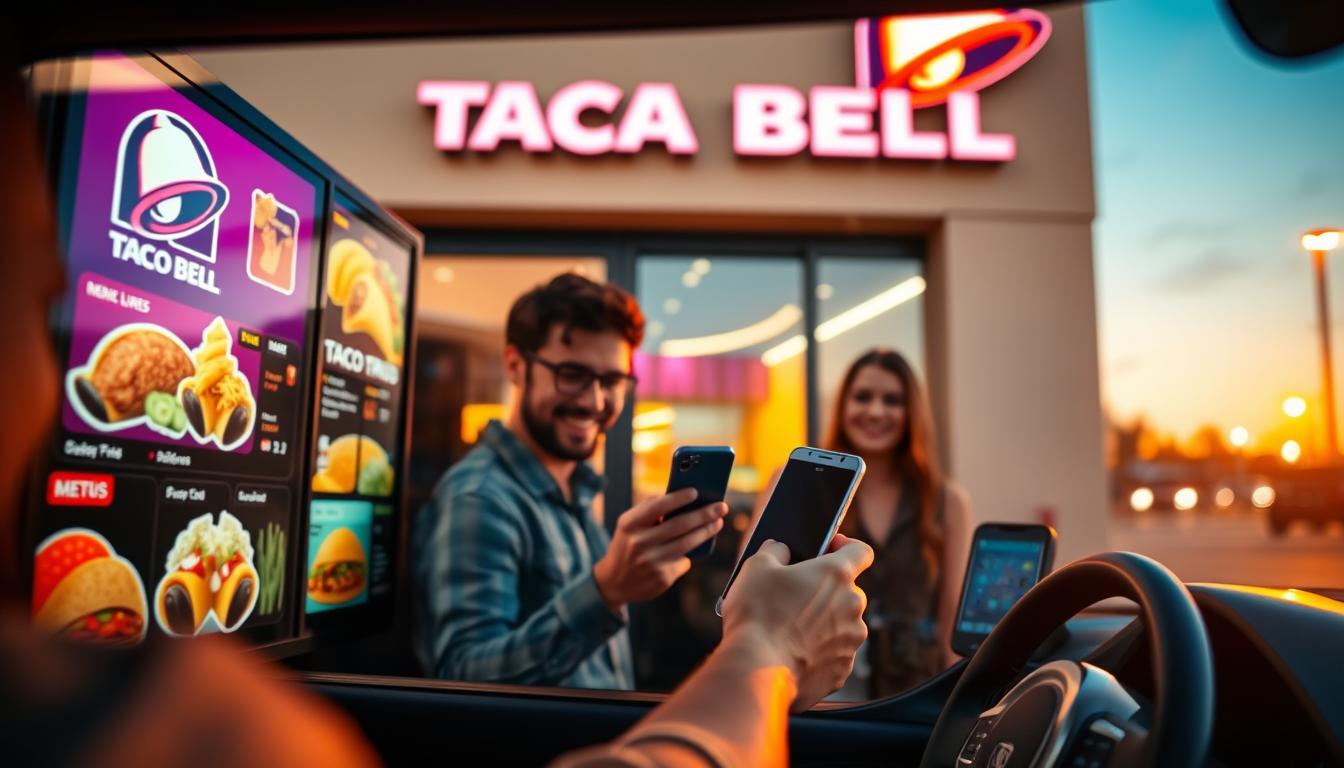
Many locations offer a window reader that staff can hold out or that you can reach toward. Present your device near the reader until it beeps or shows a confirmation.
Drive-thru setups vary. Larger vehicles may need to shift slightly forward. If the reader is inconsistent, app ordering is often faster.
Paying in the app and ordering ahead
The official app accepts mobile wallet checkout for pickup or delivery. Paying ahead speeds pickup, lets you save favorites, and earns rewards points on qualifying orders.
Note: some users report occasional slowdowns during checkout. Try logging out and back in or switching networks if the process stalls.
| Channel | How to use | Best for |
|---|---|---|
| In-store | Tap phone/watch on a countertop reader at checkout | Quick counter orders |
| Drive-thru | Hold device to window reader or staff handheld unit | Fast service without leaving vehicle |
| App | Select Apple Wallet at checkout for pickup or delivery | Order ahead, customize, earn rewards |
How to Pay With Apple Pay at Taco Bell
Follow these simple steps so your mobile wallet is ready before you arrive.
Set up Wallet on iPhone or Apple Watch before you go
Open the Wallet app and add a debit or credit card. Follow the bank’s verification prompts and confirm a default card to avoid delays.
For watch users, pair the device and enable Wallet on the watch so you can complete transactions even if your phone has low battery.
Choose a card and authenticate
Select the card in Wallet if needed. On iPhone, authenticate with Face ID, Touch ID, or passcode. On Apple Watch, double-click the side button and hold the watch near the reader until the terminal confirms success.
Troubleshooting at checkout
- Ask staff if the terminal supports contactless and retry after unlocking your device.
- Switch cards in Wallet or use a physical card if the reader is offline.
- In drive-thru, request the reader be brought closer and place the phone’s top edge near the reader.
App payment hiccups and quick fixes
If in-app checkout stalls, disable Wi‑Fi and try on cellular, update the app, and clear Safari history (Settings > Safari > Clear Website History and Data) if login flows hang.
If problems persist, email DigitalSupport@tacobell.com with store location, time, order number, iOS and app versions, or consult the original rollout coverage article for context.
Quick ways to confirm Apple Pay is accepted before you order
Look for the NFC or contactless icon on the payment reader to confirm mobile wallet acceptance quickly.
If you’re unsure, ask the cashier whether Apple Pay and other contactless options work at the counter or drive‑thru window before joining a long line.
As a backup, add your order to the Taco Bell app and proceed to checkout to see if the mobile wallet option appears. That saves time and reduces surprises at pickup.
Keep a second payment method handy. Even locations that usually accept contactless can have a reader that’s offline or slow.
If one spot won’t accept your wallet, try another nearby location or switch to in‑app ordering where mobile wallet checkout is available.